Self-Order Kiosk
Let guests browse your menu, customize dishes, and pay on their own. Selflane Hub turns an iPad, iPhone, or Android tablet into a self-service kiosk that orders from your live Selflane menu.
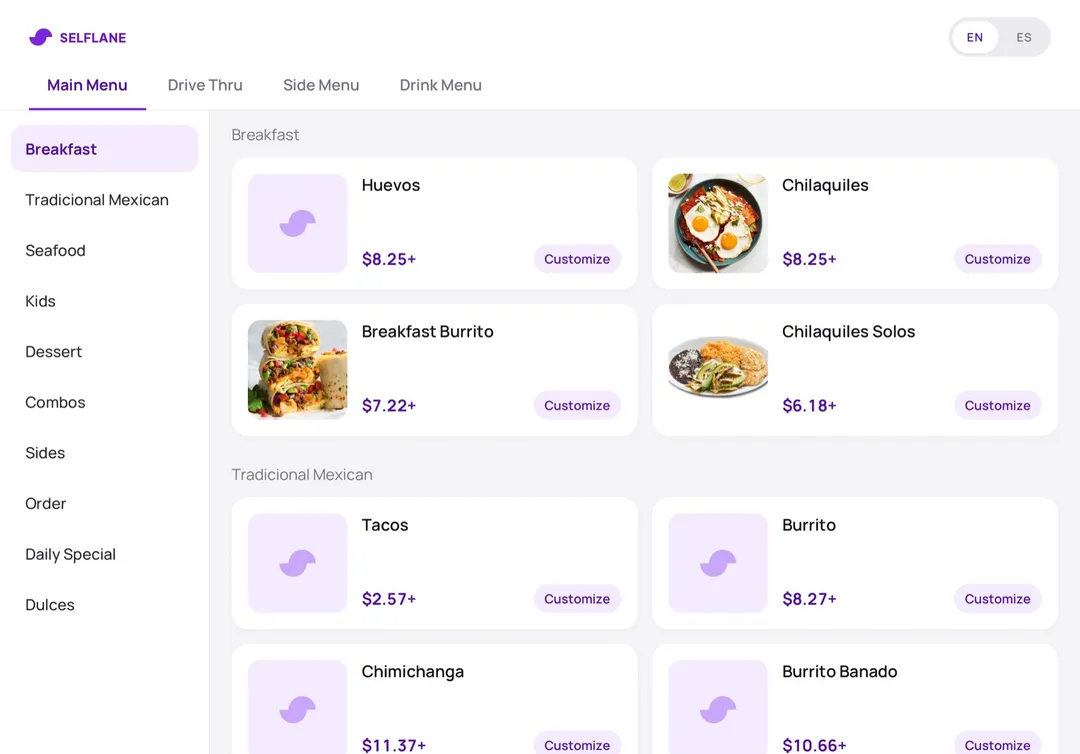
A shorter line at the counter
Guests order and pay at the kiosk while your staff stays on the food. The kiosk uses the menu you already manage in Selflane, so there is nothing extra to keep in sync.
Built for guests in a hurry
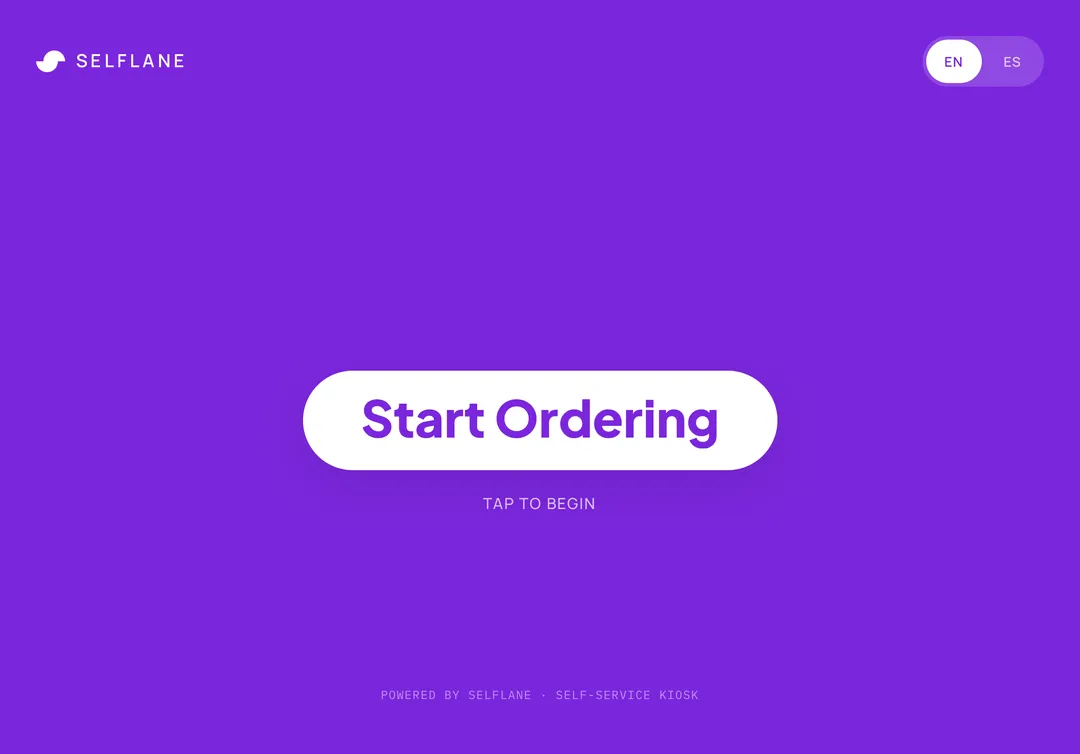
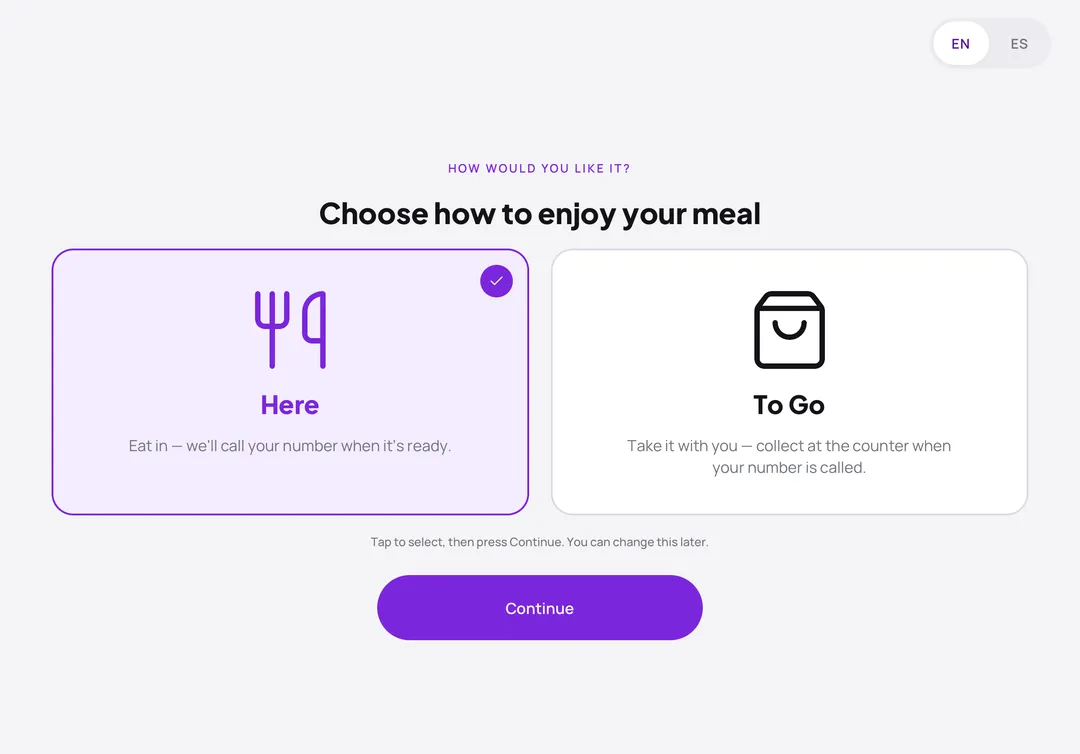
Guests tap Start Ordering, pick English or Spanish, choose Here or To Go, then browse your menu tabs and customize each dish. On an unattended iPad or iPhone, Guided Access keeps guests inside the kiosk.
- English and Spanish on every screen
- Here or To Go on every order
- Guided Access support on iPad and iPhone
Card payments and receipts at the kiosk
Guests pay on a Bluetooth Stripe card reader next to the screen, and the kiosk prints their receipt on an EPSON or Star network printer. Your kitchen gets the order through Selflane POS, the same way it gets online orders.
- Bluetooth Stripe card readers
- EPSON or Star network receipt printers
- Kitchen printing through your Selflane POS
Hardware Requirements
Kiosk is included in the Premium plan. On other plans, owners can add it from Manage Plan in the Back Office, which shows the price for their business before they confirm. Selflane Hub runs on the devices below; add a Bluetooth Stripe card reader and an EPSON or Star network receipt printer, and keep the device on a stand and plugged in during service.
iOS
Any iPad or iPhone running iOS 16.4 or later.

Android
Any Android device running Android 10 or later.