Tap to Pay on iPhone
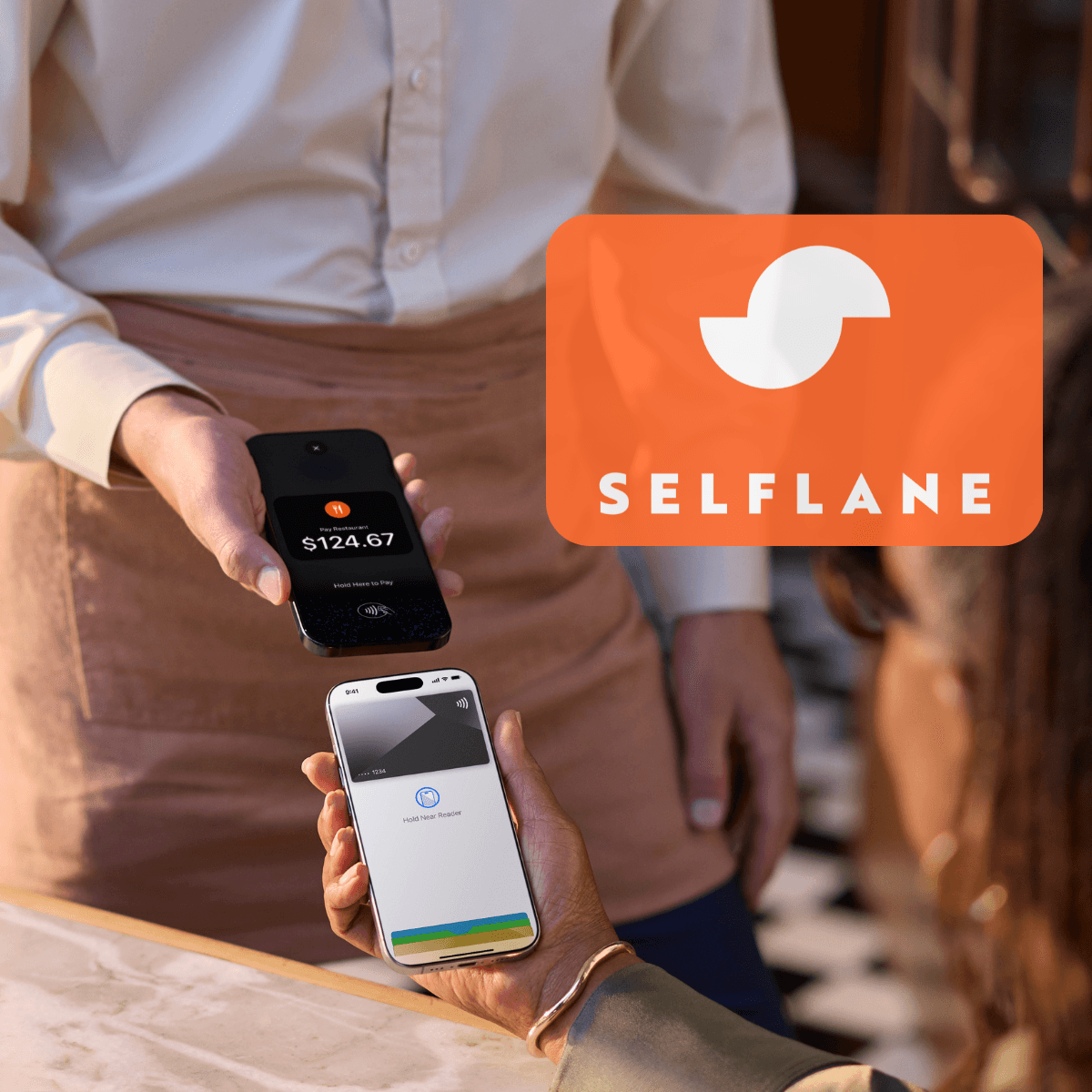
Accept contactless cards and phone wallets on your iPhone with Selflane POS, anywhere in your restaurant — no card reader required.
How it works
Take your first payment in seconds
Follow the simple steps below to accept contactless payments with nothing more than your iPhone.
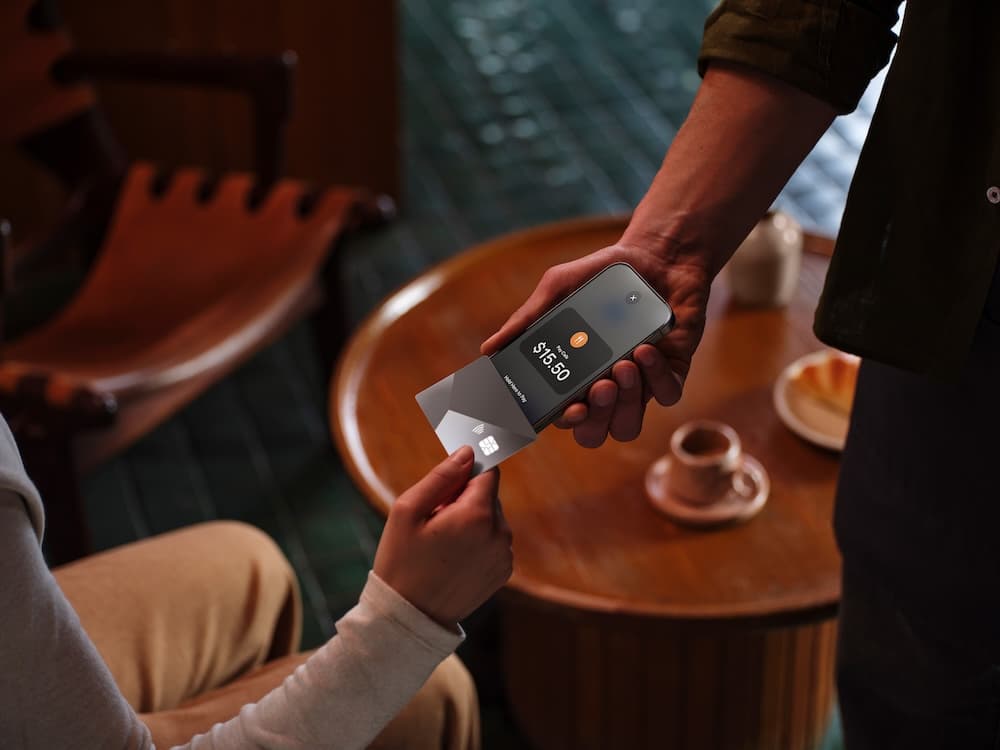
Accept contactless cards
- 1Ask your customer to hold their card horizontally at the top of your iPhone, over the contactless symbol.
- 2When you see the Done checkmark, the card read is complete and the transaction is being processed.
Accept Apple Pay & digital wallets
- 1Ask your customer to hold their device at the top of your iPhone, near the contactless symbol.
- 2When you see the Done checkmark, the read is complete and the transaction is being processed.
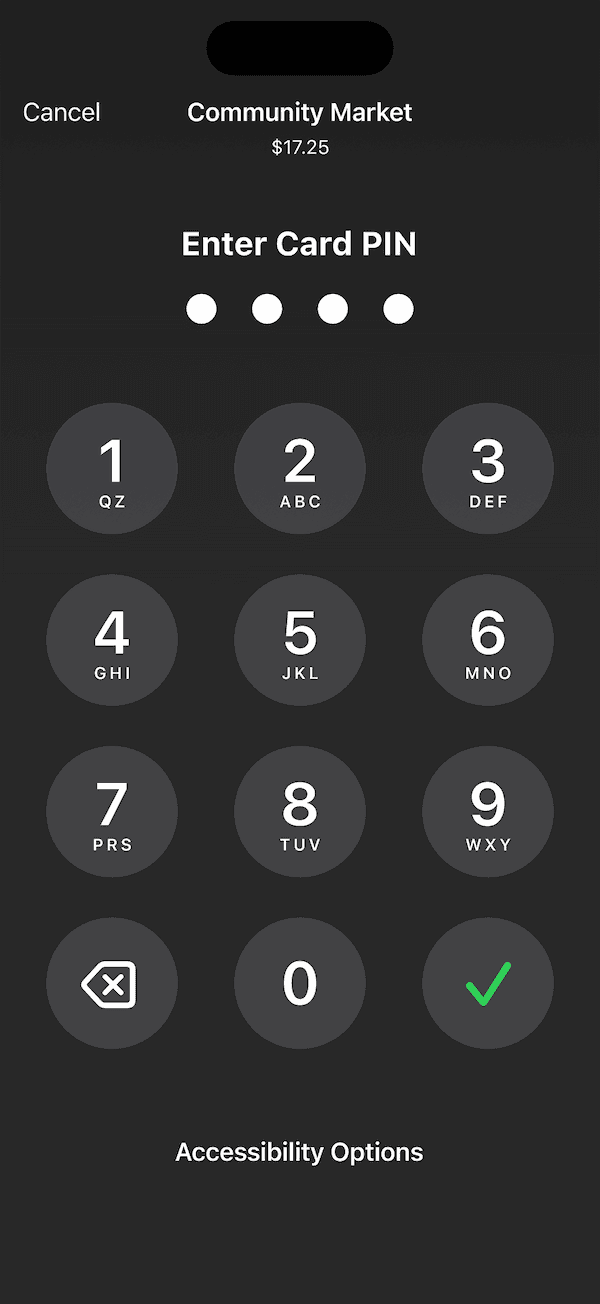
Payments that require a PIN
Transactions that require PIN entry automatically prompt a secure PIN screen when using Tap to Pay on iPhone.
For customers needing visual or other assistance, accessibility options are built in to help them securely enter their PIN — simply select “Accessibility Options” on the PIN screen.
Tap to Pay on iPhone requires a supported payment app and the latest version of iOS. Update to the latest version by going to Settings > General > Software Update, then tap Download and Install. Some contactless cards may not be accepted by your payment app. Transaction limits may apply. The contactless symbol is a trademark owned by and used with permission from EMVCo, LLC. Tap to Pay on iPhone is not available in all markets. View available countries and regions at https://www.apple.com/tap-to-pay/regions.
Apple Pay is a service provided by Apple Payments Services LLC, a subsidiary of Apple Inc. Neither Apple Inc. nor Apple Payments Services LLC is a bank. Any card used in Apple Pay is offered by the card issuer.
Pricing
No setup fee, no contract, no hidden fees.
Our POS starts at $29.99/month/location, plus 2.7% + 10¢ per tap.